
Overlays & stickers
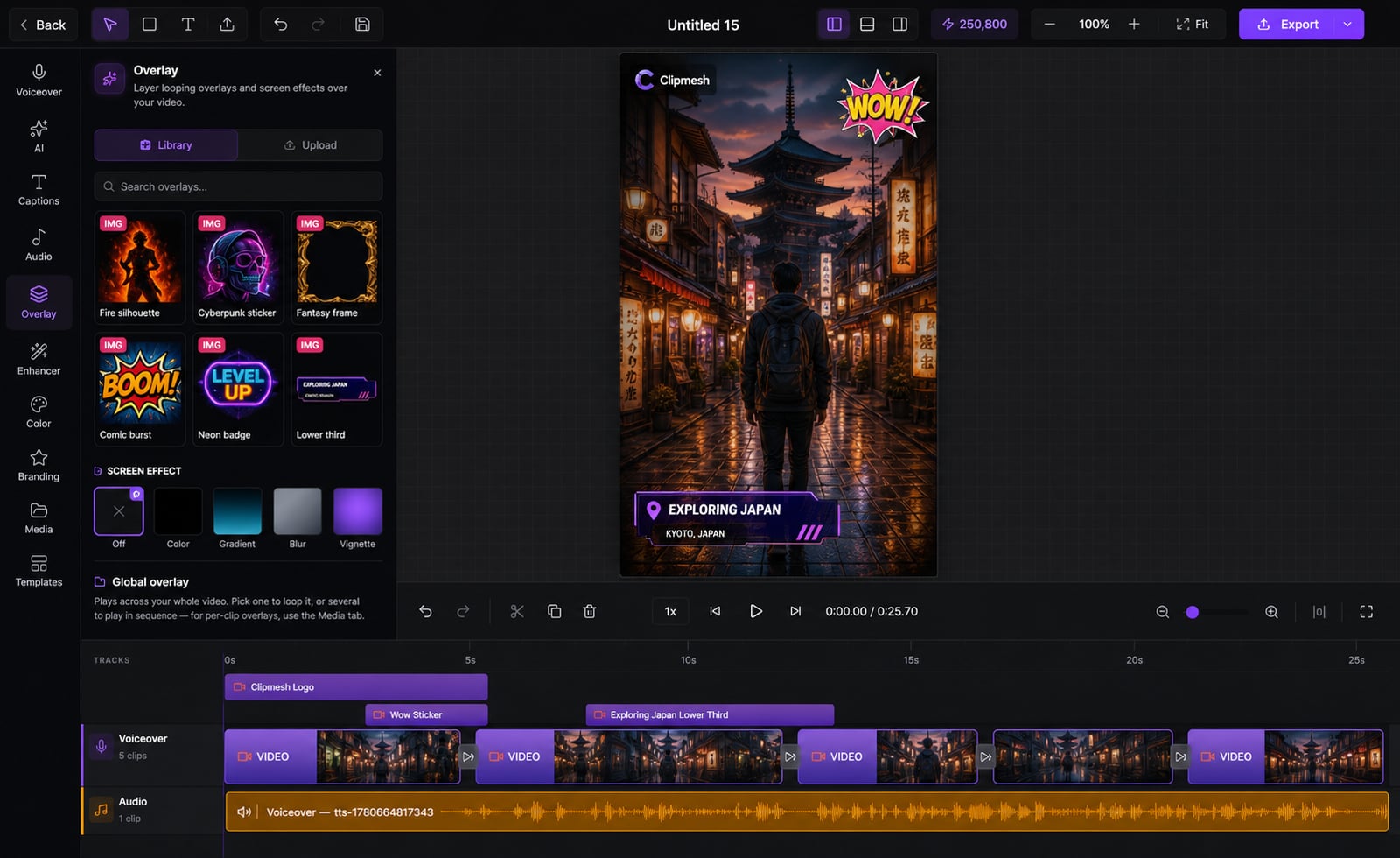
Plain footage scrolls right past. Layer logos, lower-thirds, emojis and animated stickers on top to add the personality that holds attention.
From idea to a finished video
- 1
Pick a logo, sticker or text overlay
- 2
Drag it where you want and size it on the canvas
- 3
Give it an entrance and exit animation
The little touches that hold attention
Bare clips look unfinished and get skipped. Drop logos, lower-thirds, text, emojis and animated stickers wherever you want — each on its own track, placed to the pixel, animated in and out.
@yourchannel
Subscribe for more
Put anything on screen
Logos, lower-thirds, text, emojis, shapes and animated stickers — each on its own layer, so nothing gets in the way.
34 ways to animate it
Fade, slide, bounce, flip, glitch, spin, elastic and more for both entrance and exit — movement that earns a second look.
Place it exactly right
Drag to the pixel with resize handles, alignment guides and edge snapping — no more eyeballing it.
Eye-catching effects
Progress rings, audio visualizers, matrix rain, boom effects and badges — the punchy extras that pop.
Style each layer on its own
Add a filter, opacity, blur or green-screen key to any single overlay without touching the rest.
Time it independently
Each overlay has its own in/out timing, separate from the clips underneath — appear exactly when you mean to.
More in the editor
See allMulti-track timeline
Most faceless tools trap you in rigid templates. Here you get a real timeline — arrange, trim and layer everything exactly how you want.
AI footage match
Hunting for b-roll is the worst part of faceless video. The AI director does it for you — a fitting shot for every line, dropped on the timeline.
Auto captions
Most people watch on mute — so captions make or break the video. Clipmesh writes them, syncs every word, and styles them to stop the scroll.
Media library
Re-uploading the same clips and digging through folders every project? Upload once — Clipmesh tags it and keeps it ready in every project.
Semantic clip search
Can't remember which clip had the shot you need? Just describe it — Clipmesh finds it in your library by what's in it, not its filename.
Voiceover
No mic, no problem — and no jumping between apps. Generate a lifelike voiceover or drop in your own, right inside the editor.



Download Clipmesh Now
Turn any idea into a post-ready faceless video — free, on your own machine.