
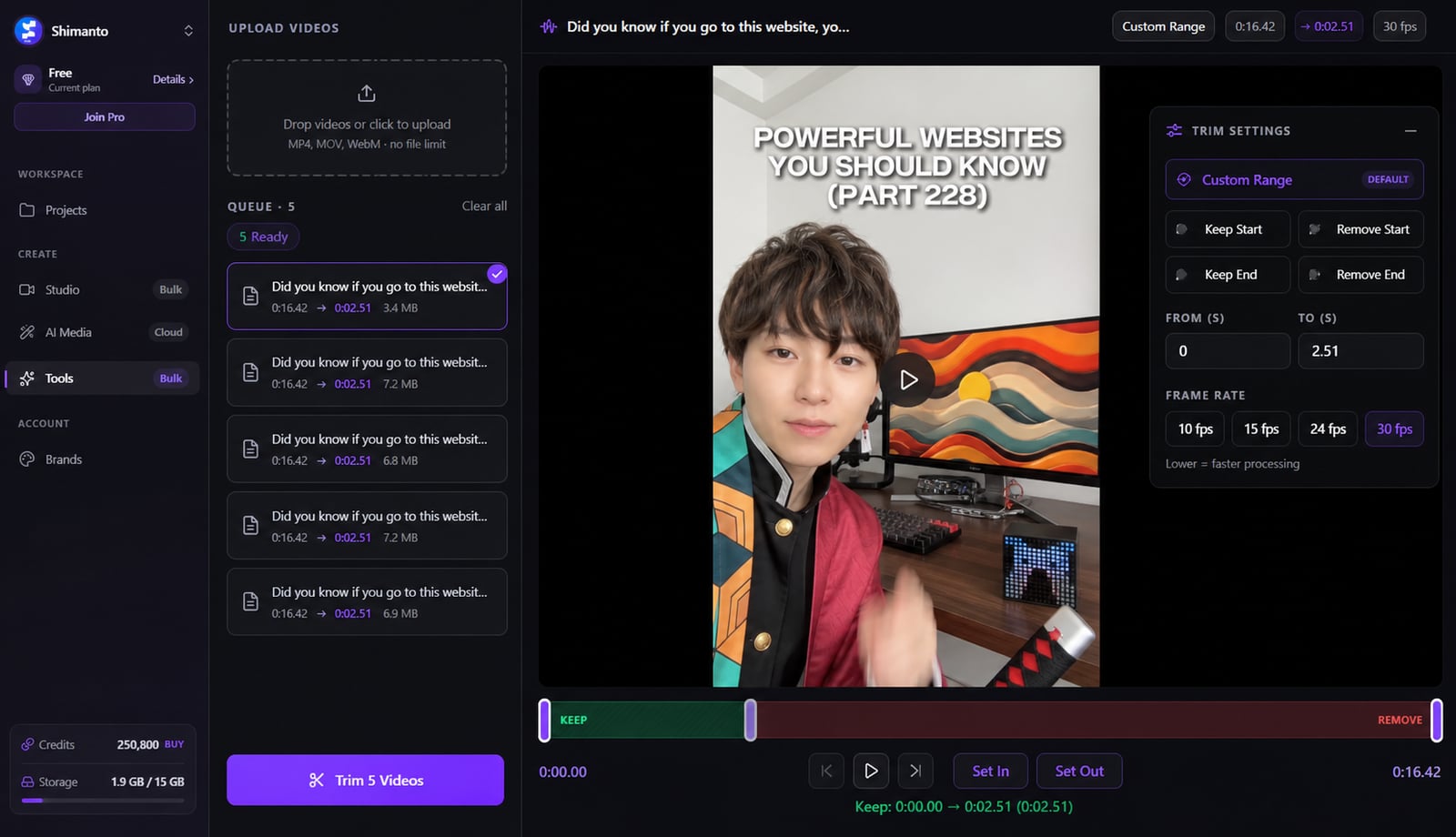
From idea to a finished video
- 1
Drop in as many video files as you want
- 2
Drag the in/out handles to set your range
- 3Rendering…MP4
Export — every clip is trimmed to that range
Trim a whole folder in one pass
Topping and tailing clips one at a time is the kind of busywork that eats an afternoon. Set the in/out range once and apply it to every file you drop in — frame-accurate, original quality, right in your browser, saved straight to a folder.
Do the whole folder at once
Drop in a stack of clips and trim them all to one in/out range in a single pass — not one file at a time.
Trim it however you need
Keep or drop the start, keep or drop the end, or set a custom range with dual handles.
Land on the exact frame
Drag the in/out points, or use I/O keys and arrow-key stepping to nail the cut precisely.
Runs on your machine
No uploads · no queue · no fees
Nothing gets uploaded
It trims right in your browser with hardware acceleration — your footage never leaves your computer.
Same quality you put in
Original resolution is preserved and the audio track stays intact — no silent recompression.
Match your source frame rate
Render at 10, 15, 24 or 30 fps so the output matches what you fed it.
Straight to a folder
Send every trimmed clip to a folder you pick, or download them — your call.
Watch it fly
A live speed counter shows how fast the batch is moving as it runs.



Download Clipmesh Now
Turn any idea into a post-ready faceless video — free, on your own machine.