
From idea to a finished video
- 1
Pick a function — merge, loop, or video-to-audio
- 2123
Drop in your files
- 3+
Export a clean WAV or MP3
Everyday audio jobs, without a DAW
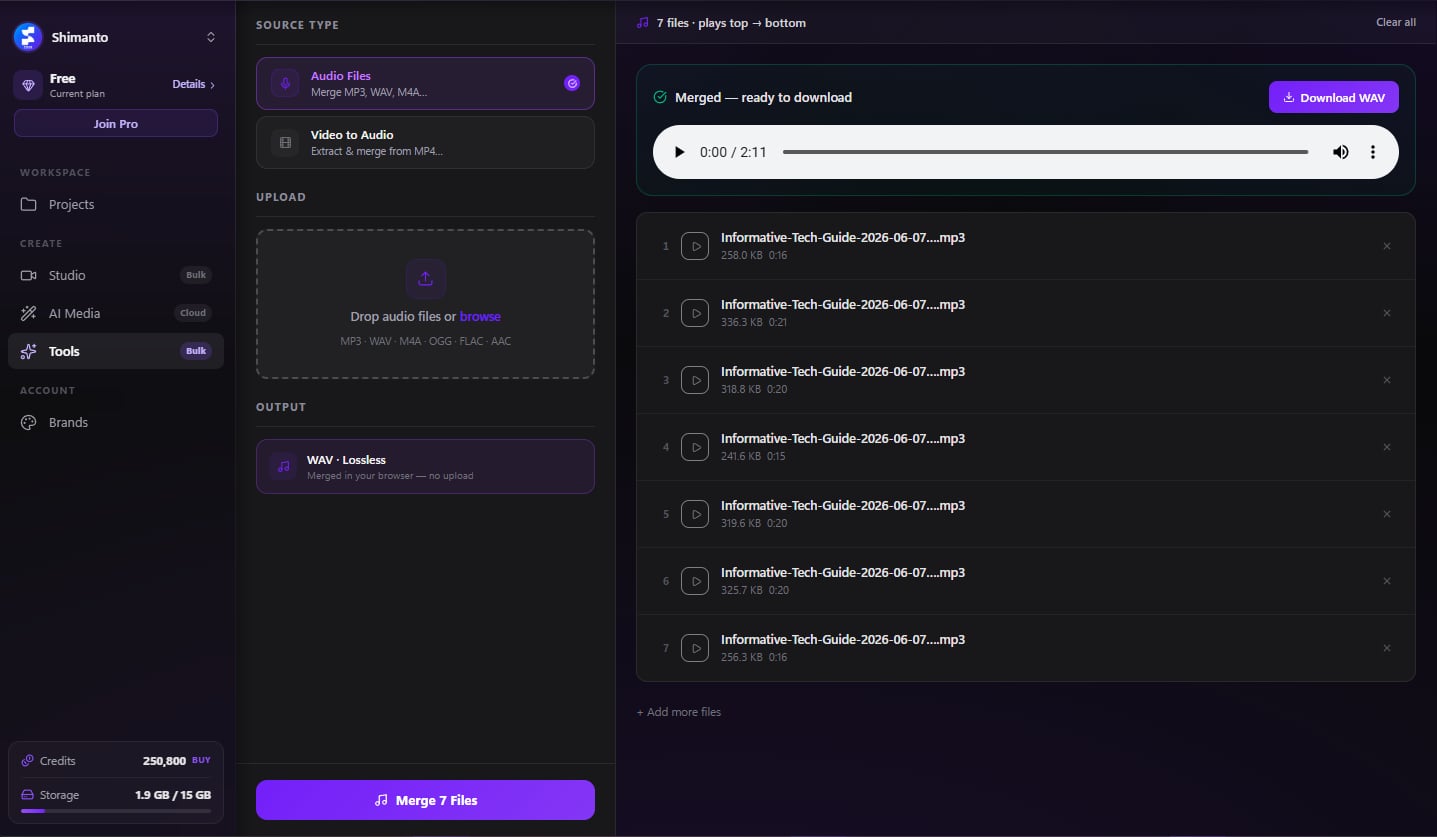
Firing up Audacity or Audition just to join, loop or extract a few clips is overkill. Merge tracks into one, loop a track into a long relaxation/study mix, or pull audio out of your videos — on your machine, exported as WAV or MP3.
Upbeat — Background
Library · loops to fit
Merge tracks into one
Join MP3/WAV/M4A/OGG/FLAC in the order you want — drag the rows to arrange, preview any one before you export.
Runs on your machine
No uploads · no queue · no fees
Loop a track into a long mix
Repeat a track a set number of times or up to a target length — turn a short clip into hours of relaxation, study or ambience. Each file loops into its own output.
Pull audio out of video
Extract and merge the audio from MP4/MOV/MKV/WebM — no separate extract step.
WAV or MP3, your call
Export lossless 16-bit / 44.1 kHz WAV, or a compact MP3 that's great for sharing.
Runs on your machine
Audio work happens on-device — nothing uploaded, no waiting on a server.
No DAW, no learning curve
Combine voiceovers, loop a music bed, or grab audio from a clip without ever touching a timeline.



Download Clipmesh Now
Turn any idea into a post-ready faceless video — free, on your own machine.