
Color grade
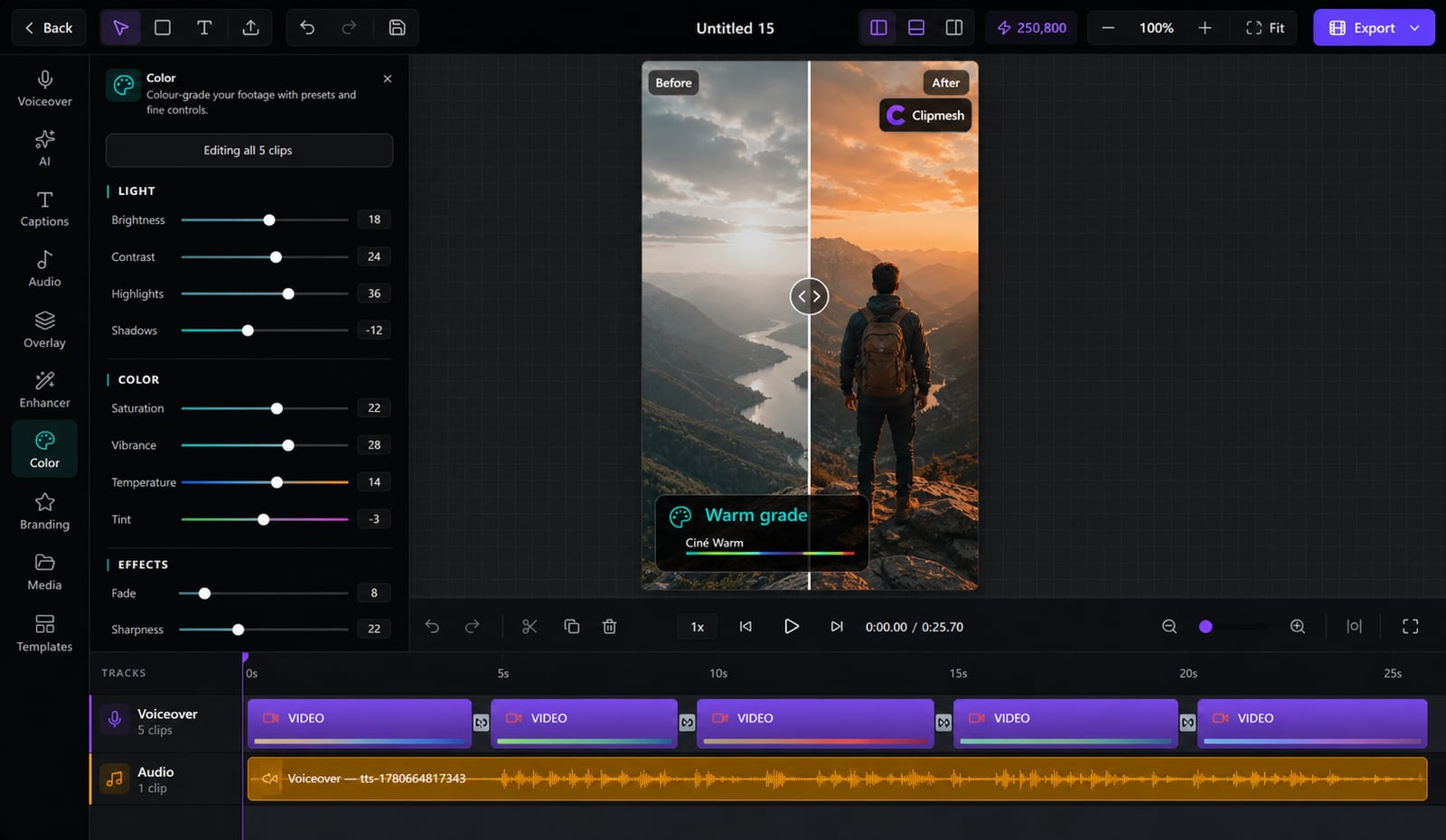
Stock clips from ten different sources never match — and it looks cheap. Pull them all into one consistent look in a couple of clicks.
From idea to a finished video
- 1
Select a clip that looks off
- 2
Even out the brightness or pick a graded look
- 3
Preview it live against the rest
Make every clip look like one shoot
When your video stitches footage from a dozen sources, the mismatched colors instantly read as low-effort. Even out the brightness, apply a graded look per clip, and the whole video feels like it came from a single, deliberate shoot.
Mixed sources
Match mismatched footage
Bring clips from totally different sources into one consistent look, so nothing sticks out as 'borrowed'.
By hand or in one tap
Nudge the brightness yourself, or apply a graded preset for an instant, polished result.
Fix one clip, not all
Grade each clip on its own — correct the one that's too dark without wrecking the rest.
See it as you go
Changes show live in the player, so you can match clips side by side.
Baked in, full quality
Your grade renders on your GPU at export with no quality loss — what you see is what ships.
More in the editor
See allMulti-track timeline
Most faceless tools trap you in rigid templates. Here you get a real timeline — arrange, trim and layer everything exactly how you want.
AI footage match
Hunting for b-roll is the worst part of faceless video. The AI director does it for you — a fitting shot for every line, dropped on the timeline.
Auto captions
Most people watch on mute — so captions make or break the video. Clipmesh writes them, syncs every word, and styles them to stop the scroll.
Media library
Re-uploading the same clips and digging through folders every project? Upload once — Clipmesh tags it and keeps it ready in every project.
Semantic clip search
Can't remember which clip had the shot you need? Just describe it — Clipmesh finds it in your library by what's in it, not its filename.
Overlays & stickers
Plain footage scrolls right past. Layer logos, lower-thirds, emojis and animated stickers on top to add the personality that holds attention.



Download Clipmesh Now
Turn any idea into a post-ready faceless video — free, on your own machine.