
Image to Video
Turn a collection of images into a polished slideshow video.
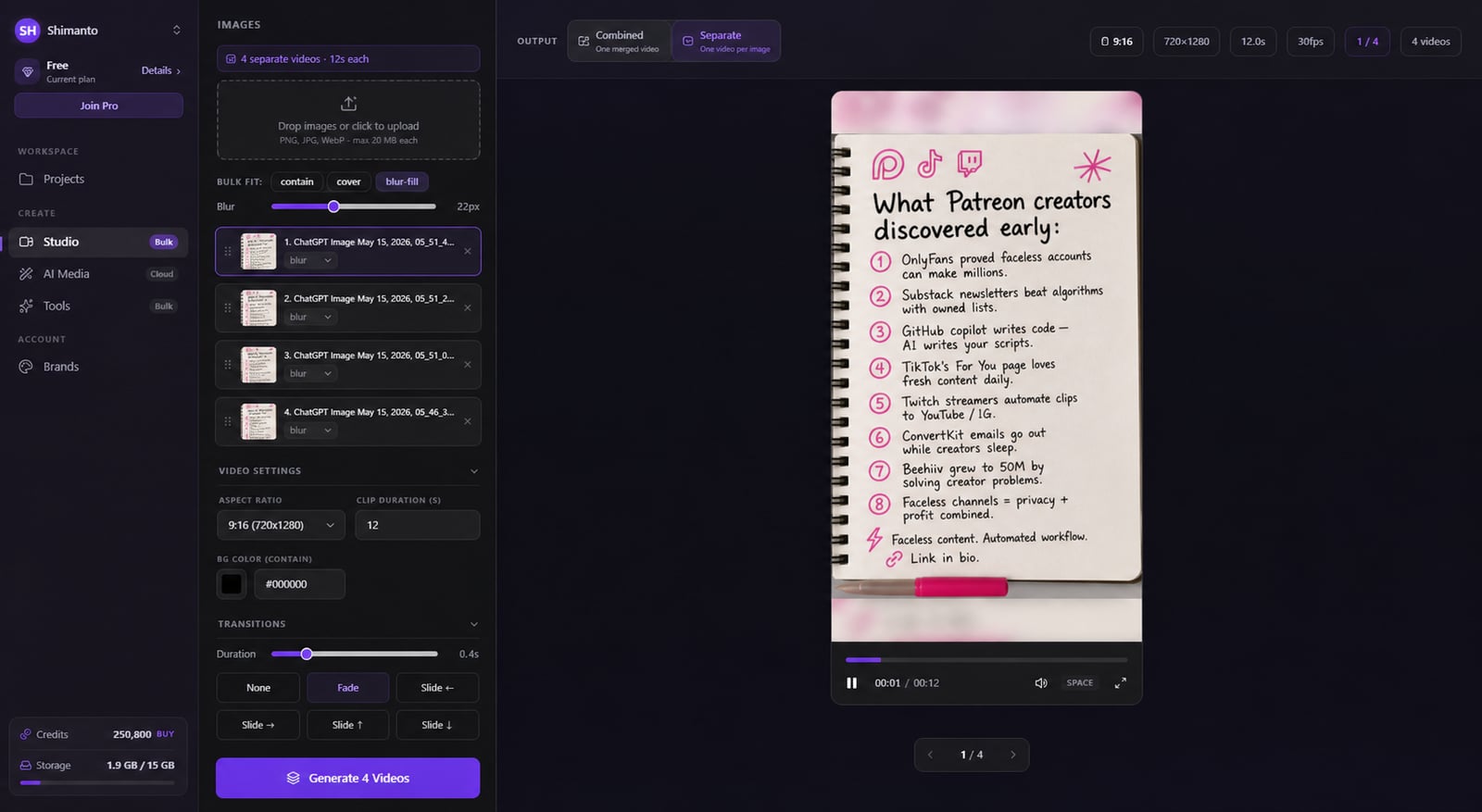
From idea to a finished video
- 1
Upload your images
- 2
Set the motion, timing and music
- 3Rendering…MP4
Export your finished video
Photos that move, not a stiff slideshow
Static slideshows look lifeless and get scrolled past. Drop in your stills and get a polished, moving video in seconds — gentle motion on every frame, smooth transitions, smart fill for odd sizes, your own timing and music.
Folder in, video out
Drop in your images and get a polished, moving video in seconds — no manual keyframing.
Nothing sits still
Gentle Ken Burns pans and zooms (18 motions) on every frame, so it feels filmed, not slideshowed.
12 smooth transitions
Fade, slide, zoom-fade, blur-fade, flash and glitch keep one image flowing into the next.
Odd sizes, handled
Portrait or mismatched photos fill the frame cleanly against a blurred backdrop — no ugly black bars.
Linger where it matters
Set each image to hold anywhere from half a second to a full minute.
Upbeat — Background
Library · loops to fit
Add the right music
Drop in a track with fades and see the waveform right on the timeline as you time it.
Fit any platform
4 aspect ratios and 7 progress-bar styles to match wherever you're posting.
@yourchannel
Subscribe for more
Make it yours
Add a watermark and fine-tune brightness and saturation so it's on-brand.



Download Clipmesh Now
Turn any idea into a post-ready faceless video — free, on your own machine.