How to start a faceless channel with no money
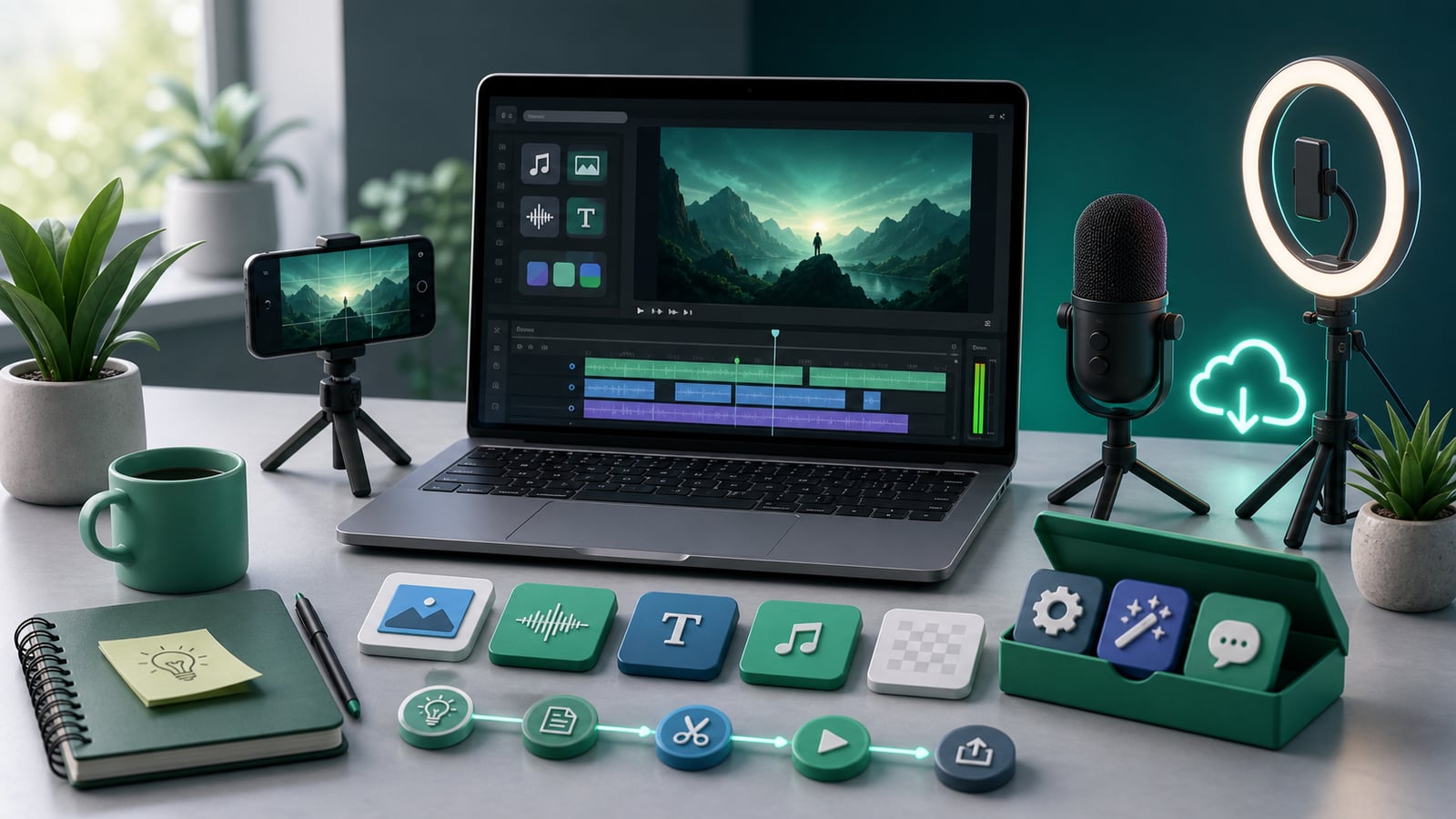
There has never been a cheaper way to build a media business than a faceless channel. You do not need a camera, a microphone, lighting, a studio, or any on-camera confidence. You do not even need to show your face or use your real voice. The entire production pipeline - scripting, narration, footage, captions, rendering - can run for free on a computer you already own.
The reason most people never start is not money. It is the belief that they need a stack of paid subscriptions before they can publish a single video. That belief is wrong, and it is expensive in the worst way: it stops you before you have learned anything. The smartest move is to launch on free and local tools, validate that your niche and format actually pull views, and only then reinvest real earnings into upgrades that move the needle.
This guide walks the zero-budget path end to end: what you genuinely need, how to script and voice and render without paying per use, how to source footage for free, and exactly when (and on what) to start spending once the channel proves itself.
What a faceless channel actually costs
Strip away the upsells and the real cost of starting is close to zero. Here is the honest breakdown of what you need versus what you are told you need.
- A computer - you already have one; that is your studio, editor, and render farm
- An internet connection - to research, download free tools, and upload
- A free platform account - YouTube, TikTok, and Instagram cost nothing to publish on
- Time and consistency - the only resource you genuinely have to spend
What you do not need on day one: a paid AI subscription, premium stock footage, a microphone, editing software licenses, or a logo designer. All of that can wait until the channel earns its own upgrades.
Step-by-step: launch for free
Here is the exact sequence to get from nothing to your first published faceless video without spending a cent.
- 1Pick one niche you can post in for months - sleep, history, money facts, psychology, or Reddit stories are proven, source-rich lanes
- 2Write or generate a tight, hook-first script using free or local AI
- 3Generate a voiceover with a local text-to-speech model so there is no per-use charge
- 4Cover the narration with free built-in stock footage and auto-synced captions
- 5Render the finished MP4 locally on your own machine - no cloud minutes, no watermark
- 6Publish to one platform, study the data, and repeat tomorrow
Use free and local AI
The biggest hidden cost in faceless video is per-use AI billing: a few cents here for a script, a few more for narration, more again per render. At volume that adds up before you have earned a dollar. The fix is local AI - models that run on your own machine instead of a metered cloud API.
Local text-to-speech engines and local script models cost nothing per generation, work offline, and keep your content private. The voices are genuinely listenable now, more than good enough to validate a niche. You trade a one-time setup for unlimited free generations, which is exactly the right deal when you are pre-revenue and producing in bulk.
When local is the right call
Local AI shines while you are testing and producing at volume: scripting, narration, and rendering all run free and unmetered. Cloud models can sound a notch more expressive, so treat them as an upgrade you buy later with channel earnings, not a starting requirement.
Source footage without paying
You do not need to own footage to cover a voiceover. Free and built-in libraries are more than enough to start, and your own searchable library compounds over time as you add clips.
- Start with built-in stock clips and free libraries to cover every line of narration
- Match footage to your script automatically so you are not scrubbing stock sites by hand
- Save and reuse clips that work - every upload makes the next video faster
- Add your own b-roll later, once the channel earns it, for a signature look
Reinvest once it works
The discipline that separates creators who succeed from those who quit is simple: prove the channel before you fund it. Run free for your first batch of videos, watch which hooks and formats pull views, and only then put earnings back into the things that actually compound.
When the income shows up, reinvest in this rough order:
- 1A premium cloud voice if your niche rewards a more expressive narrator
- 2More of your own time, or a freelancer to handle cuts and uploads
- 3A small ad budget to amplify videos that already perform organically
- 4Signature footage or design to sharpen your channel's identity
Do this, not that
Most zero-budget launches stall on a few avoidable errors. The contrasts below keep you moving:
- Do publish 20 videos before judging the niche. Do not buy tools before you have validated demand.
- Do use one consistent voice. Do not switch voices every video chasing perfection.
- Do batch and post consistently. Do not spend a week polishing a single video.
- Do study your retention data. Do not guess at what is working.
- Do reinvest earnings into leverage. Do not pay for premium tools out of pocket pre-revenue.
The only real cost of a faceless channel is consistency. Everything else can start at zero - and should, until the channel proves it deserves a budget.
Common mistakes
Watch for these traps that quietly drain new creators' money and momentum:
- Subscribing to five paid tools before publishing a single video
- Treating local AI as a downgrade rather than a free, unmetered production engine
- Quitting after three videos because the first batch did not go viral
- Buying premium footage you do not need when free libraries cover the same lines
- Spending on production polish instead of on hooks, niches, and consistency
Frequently asked questions
Do free AI voices sound good enough to publish?
Yes. Modern local text-to-speech is clearly listenable and fine for validating a niche and growing an early audience. Once a channel earns money, a premium cloud voice is a sensible upgrade, but it is not a starting requirement.
How long until a faceless channel makes money?
It varies widely with niche and consistency, but the honest answer is months, not days. Affiliate links can earn from day one, while platform ad revenue requires hitting eligibility thresholds. Plan to publish steadily for a few months before judging income.
Can I really run the whole pipeline for free?
Yes, if you use local AI for scripting and narration, free or built-in footage, and local rendering. The only cost is your time. Paid tools are upgrades you fund with earnings, not prerequisites to start.
Start now with Clipmesh
Clipmesh is free to start and runs locally, so the entire faceless pipeline - script, voice, footage, captions, render - lives on your own machine with no per-use billing. Use local models and built-in footage to launch your first channel today at zero cost, then scale it (and reinvest) when the income shows up.