How to make faceless videos (the complete 2026 guide)
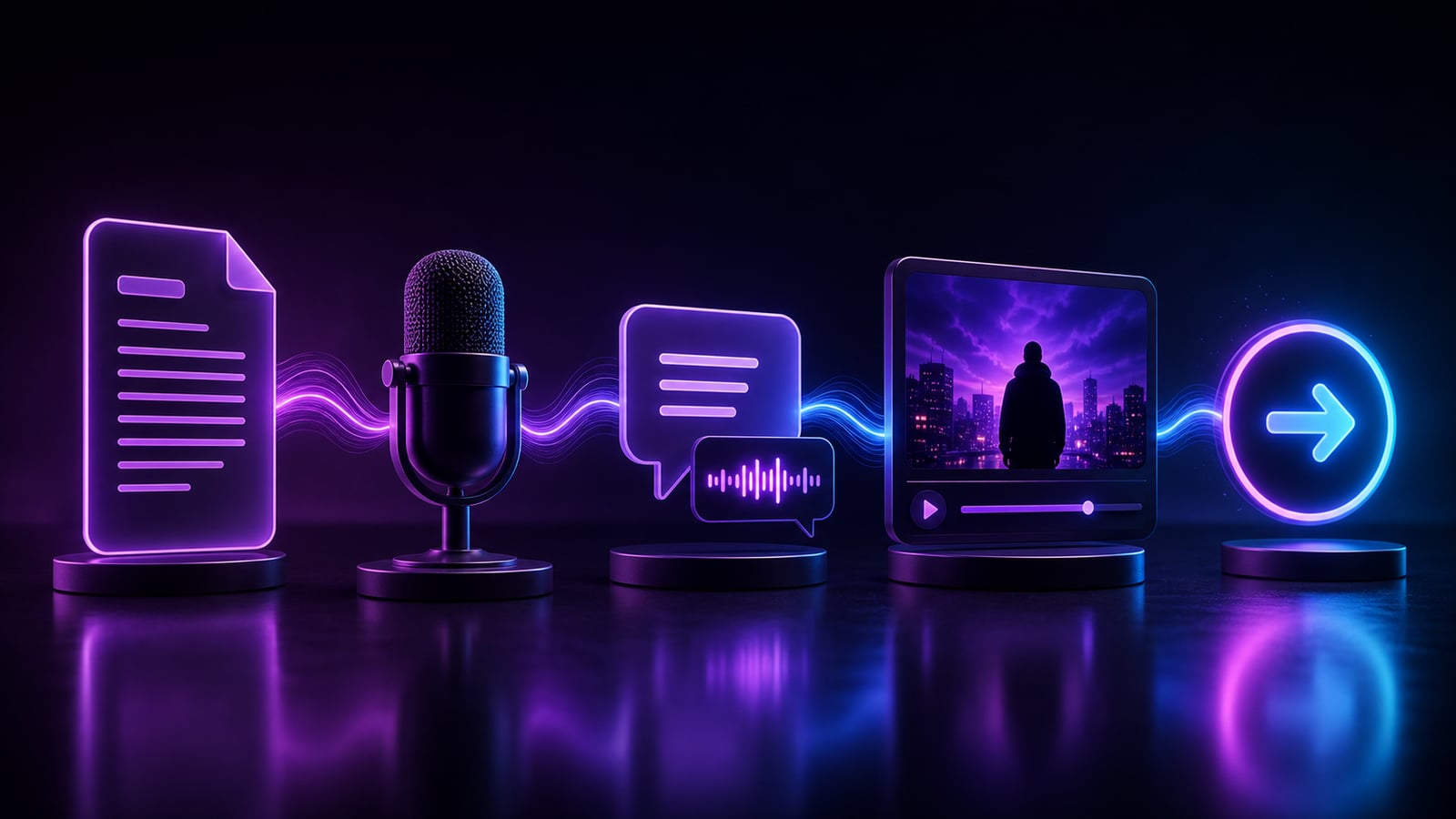
Faceless videos are short- and long-form clips that never put you on camera — the AI-narrated history, money, sleep, and motivation videos filling your feed. They are one of the fastest-growing content formats on the internet for a simple reason: anyone can make them. No studio, no on-camera confidence, no expensive gear, no lighting kit. Just a script, a voice, some footage, and the right tools to stitch them together.
The format works because the algorithms behind YouTube Shorts, TikTok, and Instagram Reels reward retention and watch-time, not your face. A muted, well-captioned, tightly-edited clip that holds attention will outperform a polished talking-head video that loses people in the first three seconds. That levels the playing field for creators who would never film themselves.
This guide walks the entire pipeline end to end, the exact way creators producing dozens of videos a week actually do it. By the time you finish reading, you will know the full workflow, the numbers that matter at each step, and the common mistakes that quietly kill channels before they get traction.
What a faceless video actually is
Strip away the buzzwords and a faceless video is four layers stacked on a timeline: a narration track, visuals that cover that narration, captions burned over the top, and audio polish (music, sound effects, ducking). Everything you do is in service of making those four layers reinforce a single message.
There are two broad shapes the format takes, and they monetize very differently:
- Short-form (under 60 seconds): Shorts, Reels, TikTok. Built for fast growth and reach. You want a watch-through rate above roughly 50% and a strong replay loop.
- Long-form (5 to 30+ minutes): documentary-style narration, sleep content, deep-dive explainers. Built for ad revenue, where total watch-time is the currency.
What you need to start
The whole pipeline used to mean juggling five separate apps — an AI writer, a text-to-speech site, a stock-footage library, a captions tool, and an editor — each with its own login, export step, and per-render fee. With an all-in-one app like Clipmesh it is a single workflow that runs on your own machine, which means no per-render costs and no upload waits. Here is the full checklist:
- A topic or niche (sleep, money, history, psychology, motivation, scary stories…)
- A script — write it yourself or generate one with an AI writer
- An AI voice for the narration that matches your niche
- Footage or b-roll to cover the voiceover, line by line
- Word-by-word animated captions
- Background music and a way to export the finished MP4
Step 1 — Write or generate a script
Everything starts with a hook. The first line decides whether anyone watches the next ten seconds, and the first three seconds decide whether they stay at all. Lead with a pattern interrupt: a bold claim, a question, or a specific number. "Nobody talks about this 5-minute fix" beats "Today we'll discuss sleep." The opening is where 80% of your result is determined.
A reliable short-form structure is the four-beat spine: hook, promise, proof, payoff. Each line should earn the next one. For a 30-second clip, that is roughly 75 to 90 spoken words — short-form narration runs around 150 words per minute, so do the math before you write a wall of text.
Keep it spoken, not written
Read the script out loud. If a sentence is hard to say, it is hard to listen to. Short sentences, concrete words, one idea per line. Cut adjectives ruthlessly. The best faceless scripts sound like a smart friend explaining something fast, not an essay being read aloud.
Let AI draft, then you edit
The fastest workflow is to have an AI writer draft a hook-first script for your topic, then you cut it down and sharpen the opening line. AI is excellent at structure and speed; you supply the taste and the specificity. Draft fast, then delete everything that is not the hook or the payoff.
Step 2 — Add an AI voiceover
Pick a voice that matches your niche's energy — calm and slow for sleep, punchy and confident for money tips, measured and authoritative for history — and generate the narration in seconds. Modern AI text-to-speech has crossed the line from robotic to genuinely listenable. Use one consistent narrator across a channel so it builds a recognizable identity; switching voices mid-channel quietly erodes the trust you are trying to build.
You can run premium cloud voices (the most expressive, needing only credits or an API key) or fully local models so nothing leaves your PC. Local engines are free, private, and offline — the better choice once you are batch-producing and want zero marginal cost per video.
Step 3 — Auto-match captions and footage
This is where AI saves you the most time. Your voiceover gets transcribed into frame-synced, word-by-word captions, and an AI director reads each line and drops matching b-roll onto the timeline automatically — so every shot covers what is being said. Manually scrubbing stock sites for every line is the slowest part of the old workflow, and it is the part AI changes most.
Bold animated captions are non-negotiable on short-form: the large majority of people watch on mute, so captions are the difference between a scroll and a watch. Keep them big, high-contrast, and on screen the entire time, with an active-word highlight that pulls the eye through the line.
Step 4 — Render locally and post
Export on your own GPU — no upload, no render queue, no watermark on the editor — then ship straight to TikTok, YouTube Shorts, and Reels. Rendering locally is what makes batch production affordable: producing ten more videos does not mean a bigger cloud bill. For each platform, export vertical 9:16 at 1080x1920 and aim for under your platform's preferred length window.
The end-to-end workflow, in order
- 1Pick one tight topic and write or generate a hook-first script (75 to 90 words for a 30-second clip).
- 2Read it aloud, cut every line that is not pulling weight, and sharpen the first sentence.
- 3Generate the AI voiceover with a niche-appropriate voice you will reuse across the channel.
- 4Auto-transcribe the voiceover into word-by-word captions with frame-perfect timing.
- 5Let the AI director match b-roll to each line, then review and swap any clip that does not fit the meaning.
- 6Add background music at low volume and duck it under the narration.
- 7Render locally to a 9:16 MP4 and upload natively to each platform.
- 8Write a scroll-stopping title and post on a consistent schedule.
Tips for faceless videos that actually perform
- Lead with a strong hook — the first line is 80% of the result.
- Keep captions big, animated, and on-screen the entire time.
- Match b-roll tightly to the narration, line by line, and cut on the beat.
- Batch-produce: one script structure becomes many uploads across channels.
- Post consistently — the algorithm rewards cadence more than perfection.
- Re-hook at the midpoint of longer videos to fight the natural drop-off.
The creators who win at faceless content aren't the best editors — they're the most consistent publishers. Tooling that removes the busywork is the whole game.
Common mistakes that kill faceless channels
- Weak hooks: opening with context or a slow intro instead of a pattern interrupt.
- Footage that does not match the line — generic clips that ignore what is being said break immersion.
- Tiny or laggy captions that fall out of sync with the voice.
- Inconsistent voice, style, or posting schedule — none of it compounds.
- Chasing a niche you will quit in three weeks instead of one you can post in forever.
- Over-editing a single video instead of shipping ten and learning from the data.
Frequently asked questions
Do faceless videos get monetized?
Yes. Both YouTube and TikTok monetize faceless content as long as it is original, adds value, and is not reused or mass-produced low-effort spam. AI-narrated videos with your own scripting, footage selection, and editing meet the originality bar. The key is transformation — your unique angle, structure, and voice — not whether your face appears.
How long does it take to make one faceless video?
With a manual five-app workflow, an hour or more per clip. With an all-in-one AI pipeline, a polished short can take minutes once you have a niche template: the script, voiceover, captions, and footage matching are all automated, and you spend your time reviewing rather than building from scratch.
Do I need editing experience?
No. The AI handles the timeline assembly — caption sync, footage placement, audio ducking. Your job is creative direction: choosing the niche, sharpening the hook, and reviewing that each shot serves the line. Those are taste decisions, not technical ones.
Start free
Clipmesh is free to start and runs entirely on your machine. Download it, write your first script, and you can have a finished faceless video in minutes — then do it again tomorrow. The whole pipeline (script, voice, captions, AI b-roll, local render) lives in one app, so you spend your time creating instead of exporting between five tools.