AI voiceovers for video: how to sound human without a mic
A good voiceover is the backbone of a faceless video. It carries the script, sets the tone, and is the single most recognizable element of your channel's identity. Modern AI text-to-speech has crossed the line from robotic to genuinely listenable — and you no longer need a microphone, a treated room, or a single retake to get a clean, professional narration.
That shift matters because audio quality is one of the few things viewers judge instantly and unconsciously. A thin, glitchy, or flat voice signals 'low effort' before the viewer can articulate why they are leaving. A warm, well-paced voice does the opposite. This guide covers how AI voiceovers actually work, how to choose a voice that sounds human, the cloud-versus-local trade-off, and the mistakes that make AI narration sound like AI narration.
How AI voiceovers work
Text-to-speech models convert your script into an audio waveform by predicting how a human would say it — including rhythm, emphasis, and intonation. The best modern engines are neural models trained on huge amounts of real speech, which is why they handle pauses, questions, and emotional tone far better than the flat 'GPS voice' of a decade ago. You feed in text (and sometimes tags or punctuation cues), and the model returns narration.
Two things drive how natural the output sounds: the quality of the model, and how well you write for it. A great engine reading a wall of text with no punctuation will still sound robotic, because you have given it nothing to phrase around.
Cloud vs. local voices
There are two families of AI voice engines, and the best workflow uses both depending on the project.
Cloud voices
Cloud voices (such as OpenAI and ElevenLabs) are the most expressive and emotionally nuanced, and they need only an API key or credits to run. They shine when you want the absolute best fidelity for a flagship video or a voice with subtle emotional range. The trade-off is a per-character or per-generation cost and the fact that your script is sent to a third-party service.
Local voices
Local engines like Supertonic and Chatterbox run entirely on your own machine — free, offline, and private. Nothing leaves your PC, there is no marginal cost per video, and you can batch-generate dozens of narrations without watching a meter. Some local engines also support zero-shot voice cloning, letting you build a signature voice and reuse it across a channel. The trade-off is that they need a capable machine and a one-time setup.
The best tools support both, so you choose per project: cloud for a hero video where expressiveness matters most, local for high-volume batch production where cost and privacy win.
How to pick a voice that sounds human
The most common reason AI narration sounds artificial is a mismatch between the voice and the content, not the model itself. Match the voice's energy to your niche and the rest falls into place.
- Match the voice's energy to your niche — calm and slow for sleep, punchy and confident for money, measured for history.
- Use one consistent narrator across a channel so it builds identity and trust.
- Add light pauses and emphasis; good engines respect punctuation, commas, and tags.
- Choose a voice with natural breathing and micro-pauses, not one that races through sentences.
- Generate in your audience's language — 30+ are supported out of the box, so you can localize the same script.
Direct the voice with your script
You control most of the realism through how you write and punctuate. The engine phrases around your text, so give it the cues a human would use.
- 1Break the script into short, breathable lines — one idea per line, like a teleprompter.
- 2Use commas and periods deliberately; they become the pauses that make speech feel natural.
- 3Use ellipses or line breaks to slow down a dramatic moment, and tighter punctuation to speed up energy.
- 4Spell out anything ambiguous — write 'twenty twenty six' if you want it read that way, not '2026'.
- 5Generate, listen back, and tweak the punctuation on any line that lands wrong, then regenerate just that line.
Common mistakes to avoid
- Reading lists in a flat monotone — vary pacing between beats so the energy moves.
- Walls of text with no punctuation — the engine has nothing to phrase around and sounds robotic.
- Switching voices mid-channel — consistency is what builds audience trust and recognition.
- Cranking the speed to cram in more words — fast narration with no pauses reads as artificial.
- Ignoring the language match — narrating to a non-English audience in English caps your reach.
- Skipping a listen-back — always hear the full track before committing it to the timeline.
From voiceover to captions automatically
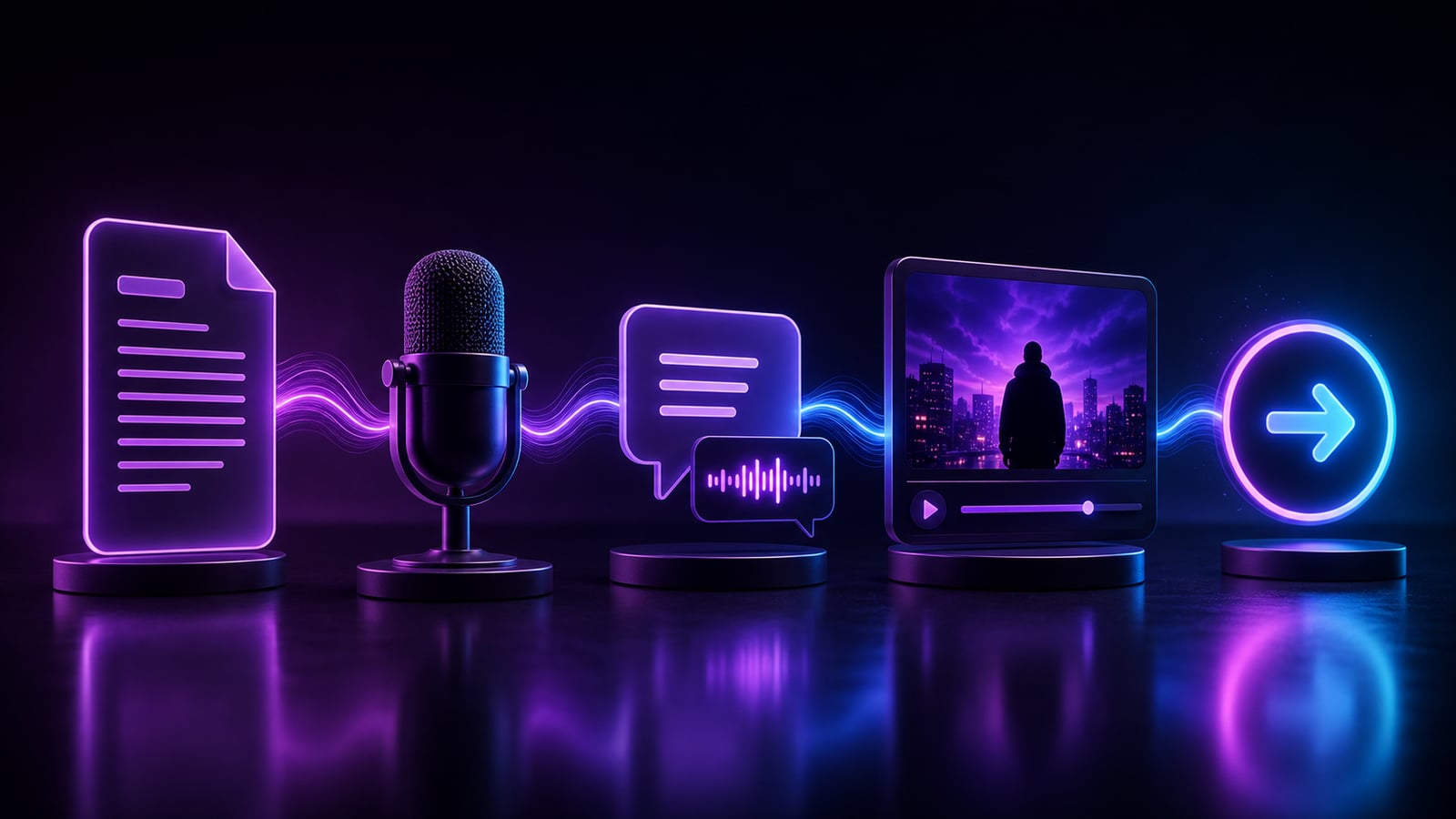
Once the narration is generated, the workflow accelerates. Clipmesh transcribes the voiceover with per-word timestamps, so captions are frame-perfect and b-roll lines up with exactly what is being said — no manual syncing, no dragging caption blocks around a timeline. The voiceover becomes the spine that every other layer snaps to automatically.
Your voice is your channel's identity. Pick one that fits, then keep it consistent forever.
Frequently asked questions
Are AI voiceovers allowed on YouTube and TikTok?
Yes. AI-narrated content is permitted on both platforms as long as the overall video is original and adds value — your scripting, footage, and editing are the transformation. Some platforms encourage disclosing synthetic voices in certain contexts, so check current labeling guidance, but AI narration itself is a standard, accepted part of the faceless workflow.
Do AI voices work in other languages?
Yes. Leading engines support 30+ languages out of the box, so you can take one script and produce localized versions for different audiences. This is one of the most underused growth levers in faceless content — the same video, narrated natively in another language, can open an entirely new market.
Is local text-to-speech as good as cloud?
The gap has narrowed dramatically. Cloud voices still edge ahead on subtle emotional range, but modern local engines are more than good enough for most narration, and they win decisively on cost and privacy. For high-volume faceless production, local is often the smarter default, with cloud reserved for flagship videos.
Try it
Generate your first AI voiceover free in the Clipmesh desktop app and hear the difference a natural voice makes. Run premium cloud voices or fully local, private models — then send the narration straight into captions and AI-matched footage without leaving the app.