AI b-roll: how to match footage to your voiceover automatically
Sourcing and placing b-roll is the slowest part of editing a faceless video — and the part AI changes the most. The old way meant scrubbing stock sites for every single line, downloading clips, dragging them onto a timeline, and trimming each one to fit. For a 60-second video with 15 distinct lines, that is 15 separate footage hunts. It is where most of your editing hours quietly disappear.
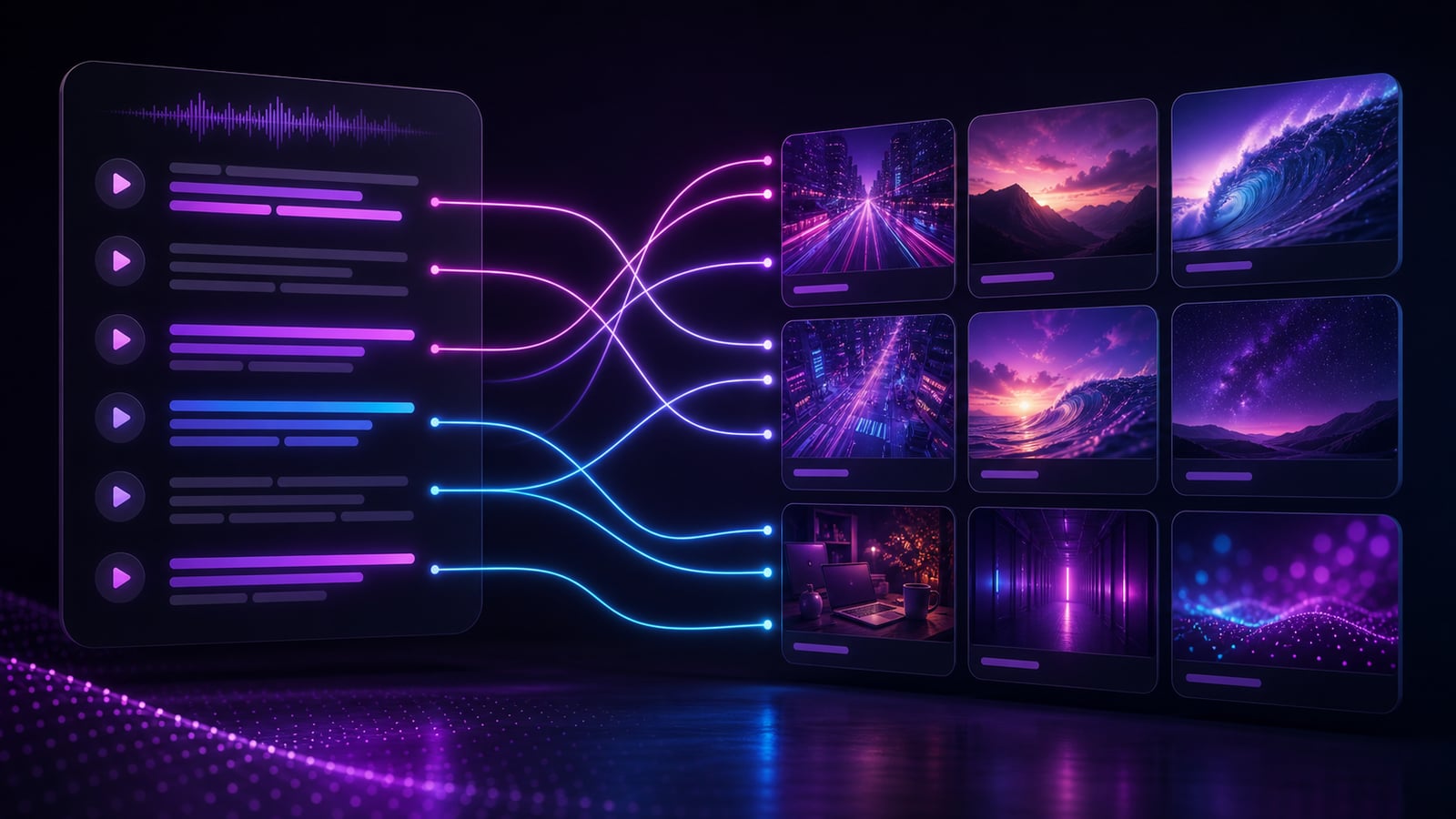
AI footage matching collapses that work to minutes. Instead of hunting clip by clip, an AI director reads your voiceover, understands what each line is about, and drops matching b-roll onto the timeline for you. This guide explains how that works under the hood, how to choose between your own footage and stock, how to make AI-placed b-roll feel intentional, and why building a searchable library compounds over time.
How AI footage matching works
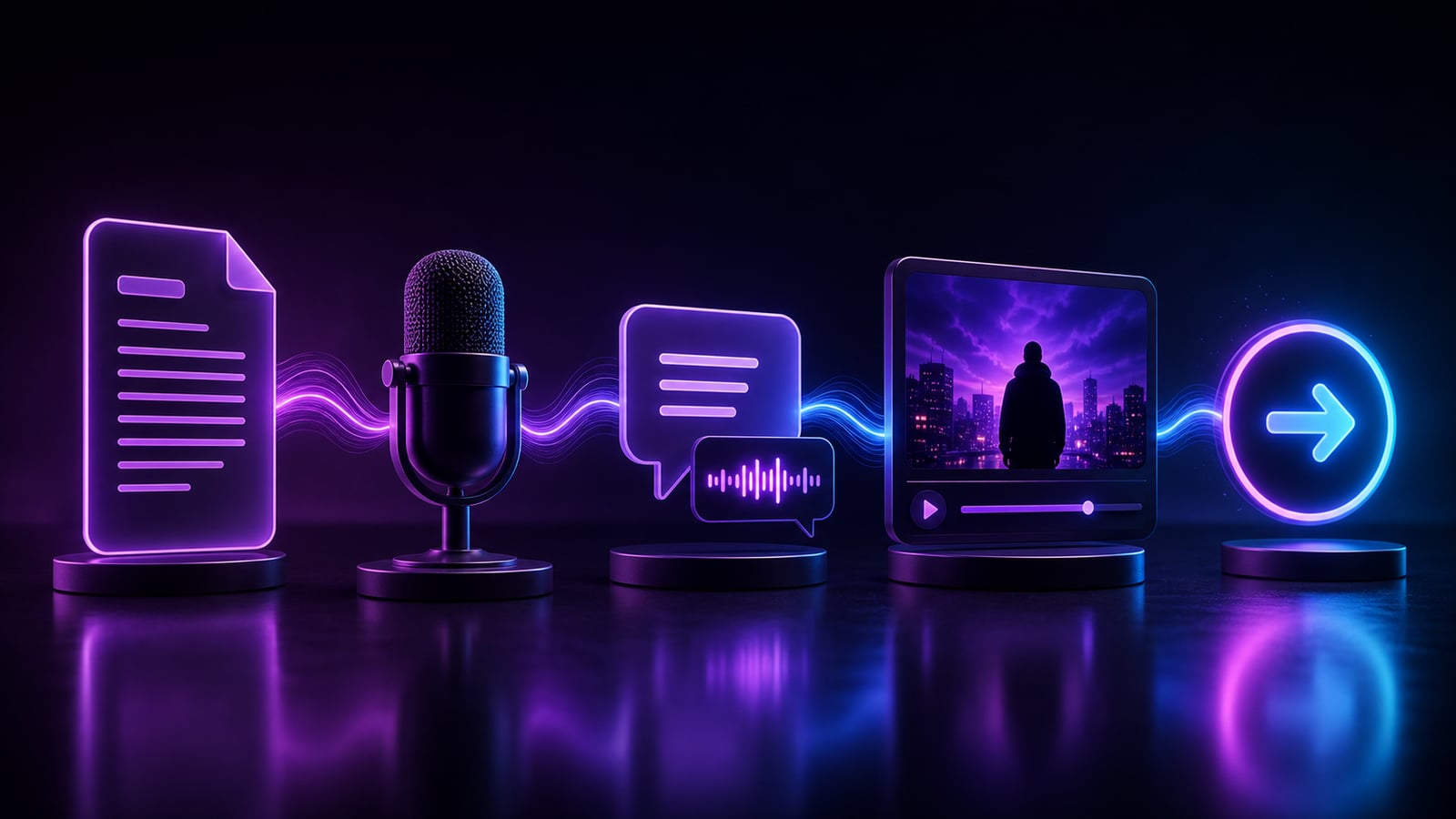
The process is a chain of automated steps that turn spoken words into placed clips. Understanding the chain helps you direct it better.
- 1The AI transcribes your voiceover with timestamps, producing timed segments.
- 2It reads each segment and turns the meaning into a visual search query (for example, 'city skyline at night' from a line about cities never sleeping).
- 3It searches your own footage library and a built-in stock pool using semantic matching, not just keyword tags.
- 4It ranks candidate clips by relevance and attributes like aspect ratio and motion, then picks the best match.
- 5It places each clip on the timeline aligned to the exact moment that line is spoken, so every line gets covered.
Because the matching is semantic, it understands meaning rather than exact words. A line about 'feeling overwhelmed at work' can surface footage of a cluttered desk or a crowded office even if nobody tagged the clip with that phrase.
Your own footage vs. stock
The strongest faceless channels mix both. Stock fills gaps fast; your own footage gives the channel a recognizable visual identity that stock-only competitors cannot copy.
- Upload your own clips once — they are analyzed, tagged, and reusable across every future project.
- Use thousands of built-in stock clips when you do not have your own footage for a line.
- Mix both: signature shots for identity and tone, stock to cover everything else.
- Reuse your best-performing clips across videos so your channel develops a consistent look.
Making b-roll feel intentional
AI gets you 90% of the way there; the final 10% of taste is what separates a video that feels designed from one that feels auto-generated. Good b-roll matches the meaning of the line, cuts on the beat, and never overstays its welcome.
- Keep clips short — 1.5 to 3 seconds each keeps the visual rhythm moving.
- Vary the shots so two similar clips never sit back to back.
- Cut on the beat of the music or the natural pause in the narration.
- Let the captions carry the message while the footage adds energy and context.
- Swap any AI-placed clip that is literally correct but emotionally flat for one with more motion or mood.
Match meaning, not just keywords
The best b-roll illustrates the feeling of the line, not only its literal nouns. A line about 'the moment everything changed' is better served by a dramatic, high-motion shot than by a literal clock. Review the AI's picks with that lens and replace the few that are technically accurate but tonally wrong.
Why a searchable library compounds
Every clip you upload makes the next video faster, because semantic search lets you find 'city skyline at night' by describing it instead of remembering a filename. Over time your library becomes a private, instantly-searchable b-roll engine — and it is an asset competitors cannot replicate, because it is built from your own shots and tuned to your niche.
Stop hunting for footage. Describe what you mean and let the AI place it.
Common b-roll mistakes
- Clips that run too long, killing the visual pace and letting attention drift.
- Footage that ignores the line — generic shots that do not match what is being said break immersion.
- Reusing the same handful of clips so often the channel looks lazy.
- Mismatched aspect ratios that leave black bars on a vertical feed.
- Letting b-roll compete with the captions instead of supporting them.
- Accepting every AI pick without a review pass for tone and rhythm.
Frequently asked questions
Where do faceless creators get b-roll?
From three sources: built-in or licensed stock libraries, their own uploaded footage, and AI-generated clips. The fastest workflow combines them — let an AI director pull relevant stock for most lines, layer in your own signature shots for identity, and fill genuine gaps with generated footage. The goal is full coverage of every line without manual hunting.
Can AI really match footage to my script accurately?
Yes, and increasingly well, because modern matching is semantic — it understands the meaning of a line rather than matching keywords. It will not be perfect on every clip, so a quick review pass is part of the workflow, but it eliminates the vast majority of the manual searching and placement that used to dominate editing time.
How long should each b-roll clip be?
For short-form, roughly 1.5 to 3 seconds per clip keeps the rhythm energetic and prevents any single shot from going stale. For calmer long-form content, slower cuts of 4 to 8 seconds suit the tone. The rule is simple: the clip should last exactly as long as the line it covers, and no longer.
Try it
Clipmesh's AI Media panel matches footage to your voiceover line by line — review, tweak, and render, all on your own machine. Upload your own clips to build a searchable library that compounds over time, or lean on the built-in stock pool. Build a complete faceless video without ever opening a stock-footage tab.